

Free Orbit Tool
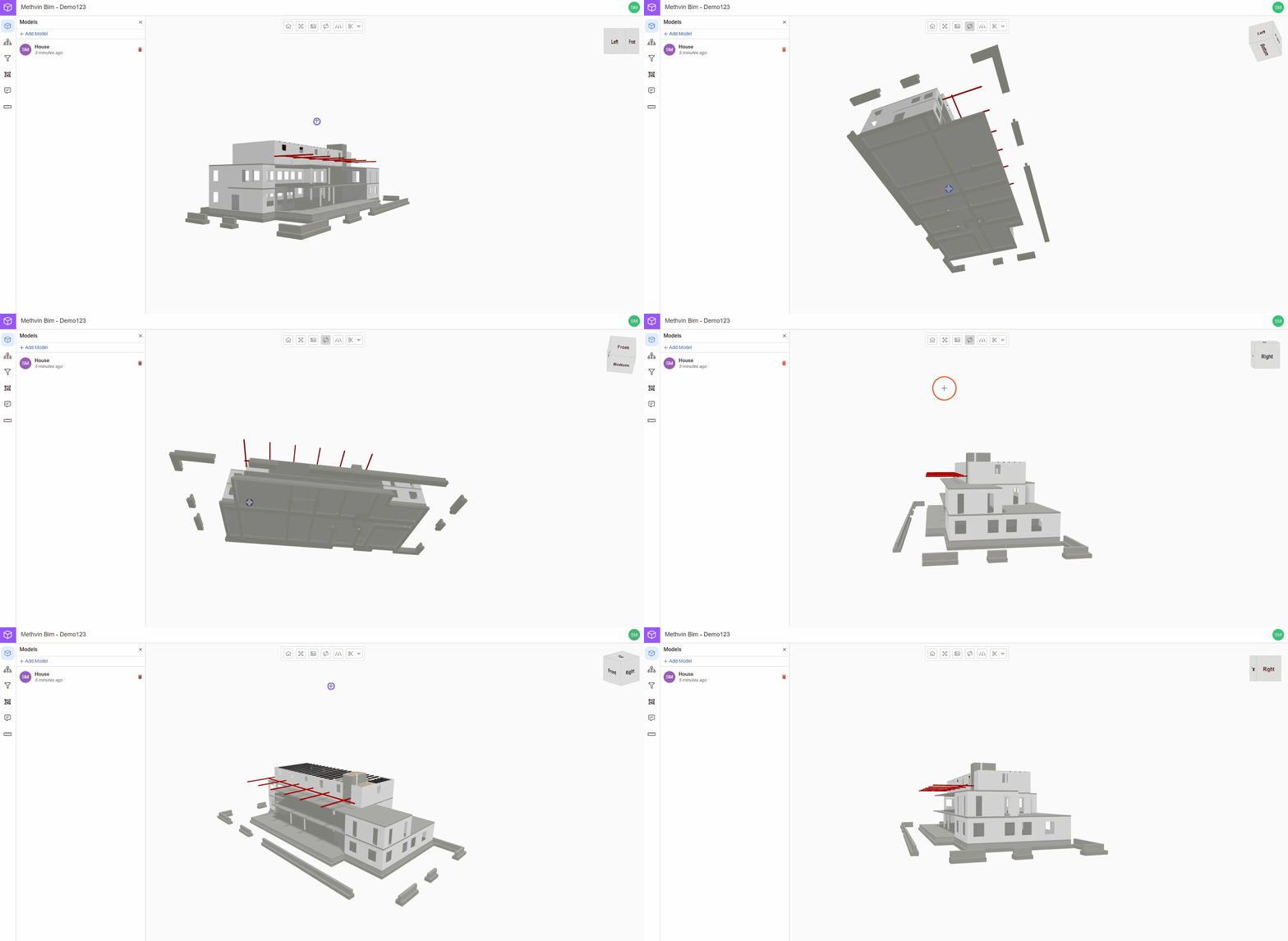
This feature lets you freely rotate and explore your model from any angle. It’s perfect for gaining a better spatial understanding of the structure.
Using the free orbit tool
- Click on the free orbit
 in the toolbar.
 - Click and hold your mouse button on the canvas.
- Move the mouse to rotate the model in any direction.
Last updated on