

Layout Options
CRM Layout Options: Board vs List View
The CRM module provides two distinct layout options to suit different workflow preferences:
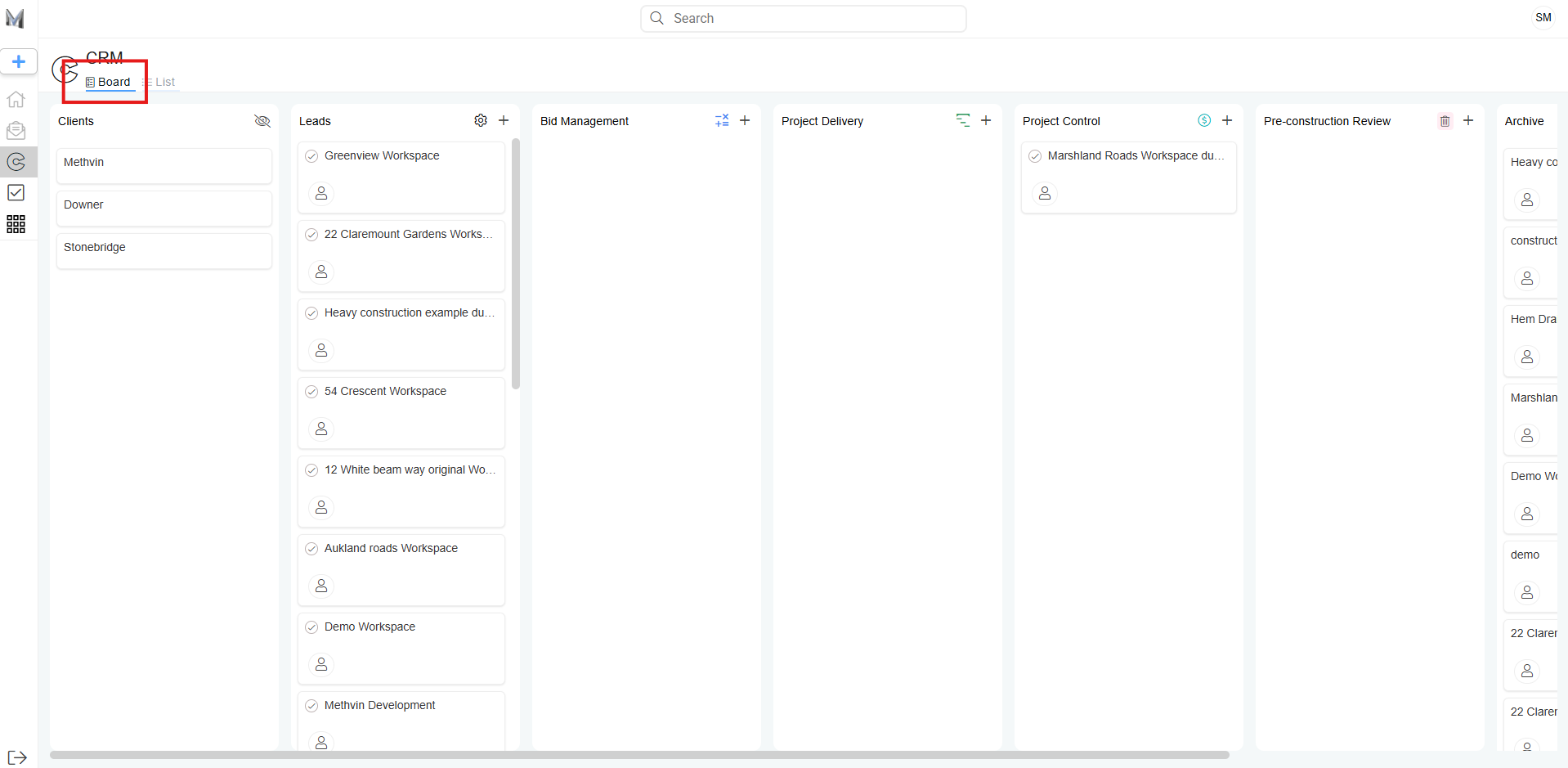
Board View (Default)
- Displays workspace cards under various columns such as Clients, Leads, Bid Management, etc.
- Each column represents a stage in the project lifecycle.
- Visually organized for drag-and-drop task progression.
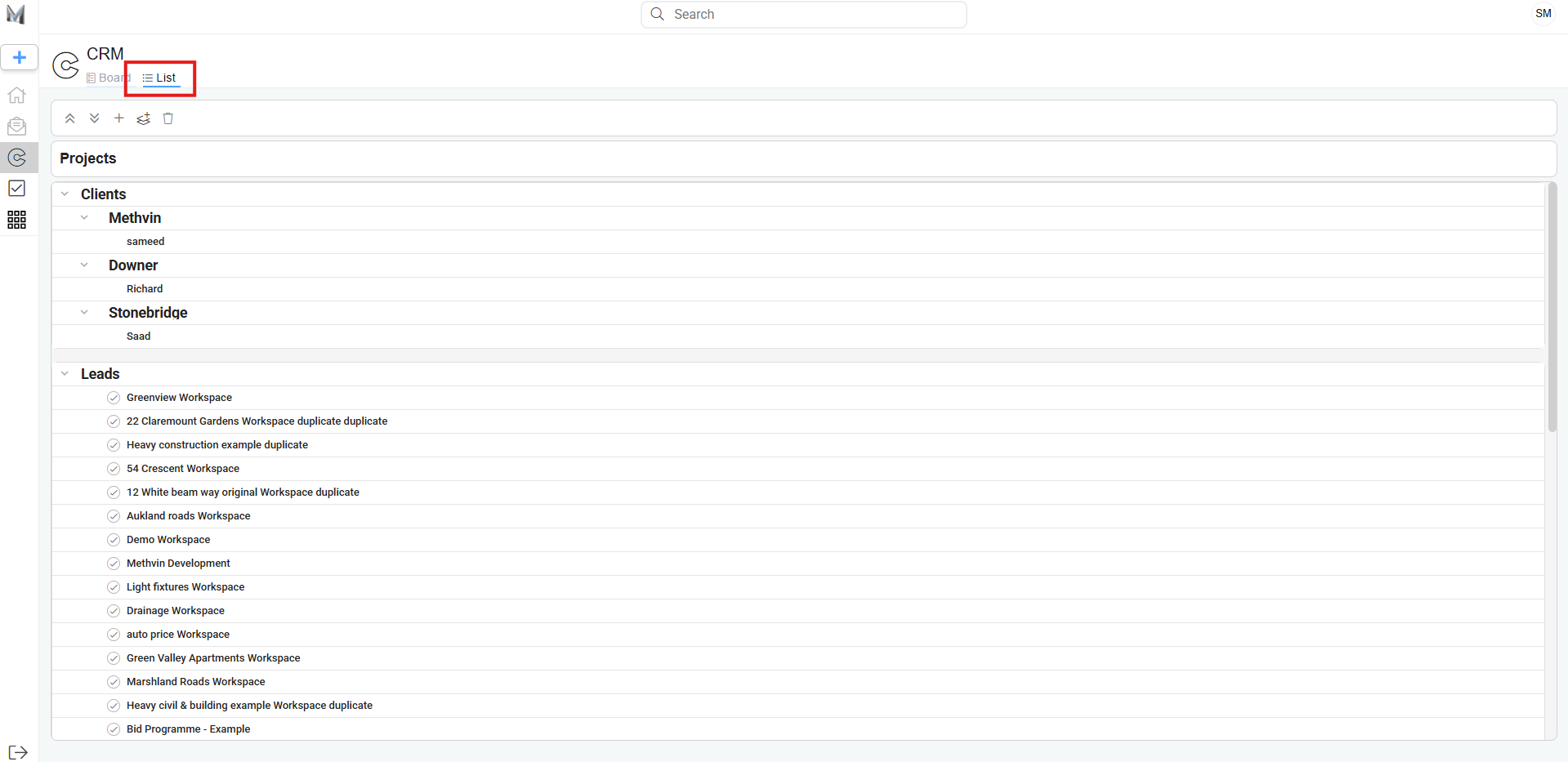
List View
- A more compact and structured alternative.
- Workspaces are grouped under their respective headings in collapsible lists.
- Easier to scan large volumes of projects without horizontal scrolling.
You can toggle between Board and List View using the buttons located at the top of the CRM page.
Last updated on