

Default Portal Startup
Set CRM as Default Portal Startup
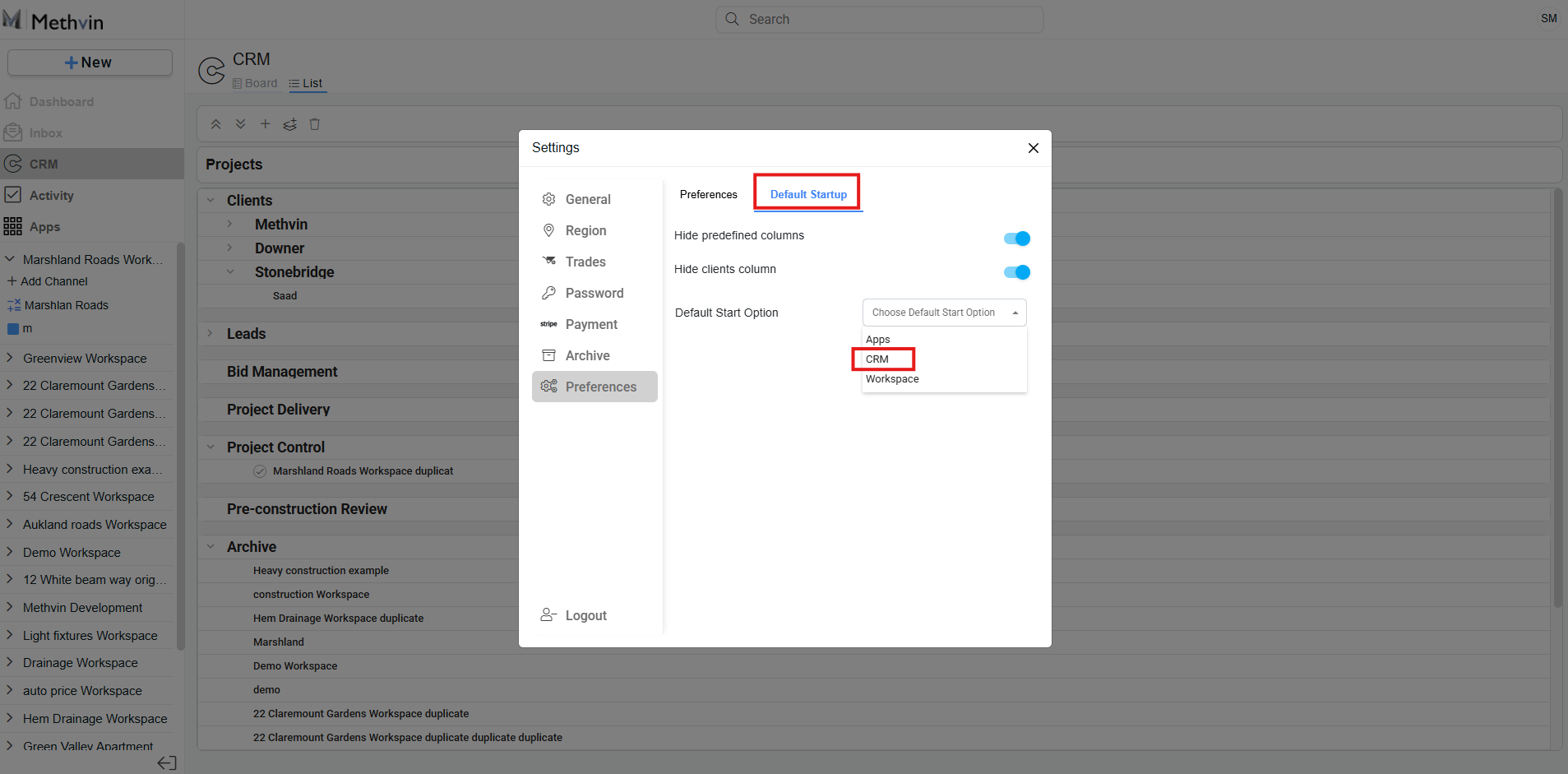
- Click the User Settings button
 in the top-right corner.
 - Go to Preferences > Default Startup.
- Choose CRM from the list.
Alternatively, you can choose from:
- Apps
- Workspace — you’ll be asked to select which workspace to load and the default view out of the following:
- Kanban
- Dashboard
- Inbox
- Activity
- Estimate
- Takeoff
- Gantt
- Job Costing
In the Default Startup, you can optionally toggle:
- Hide Predefined Columns
- Hide Clients Column
Last updated on