

Files View
Managing In Files View
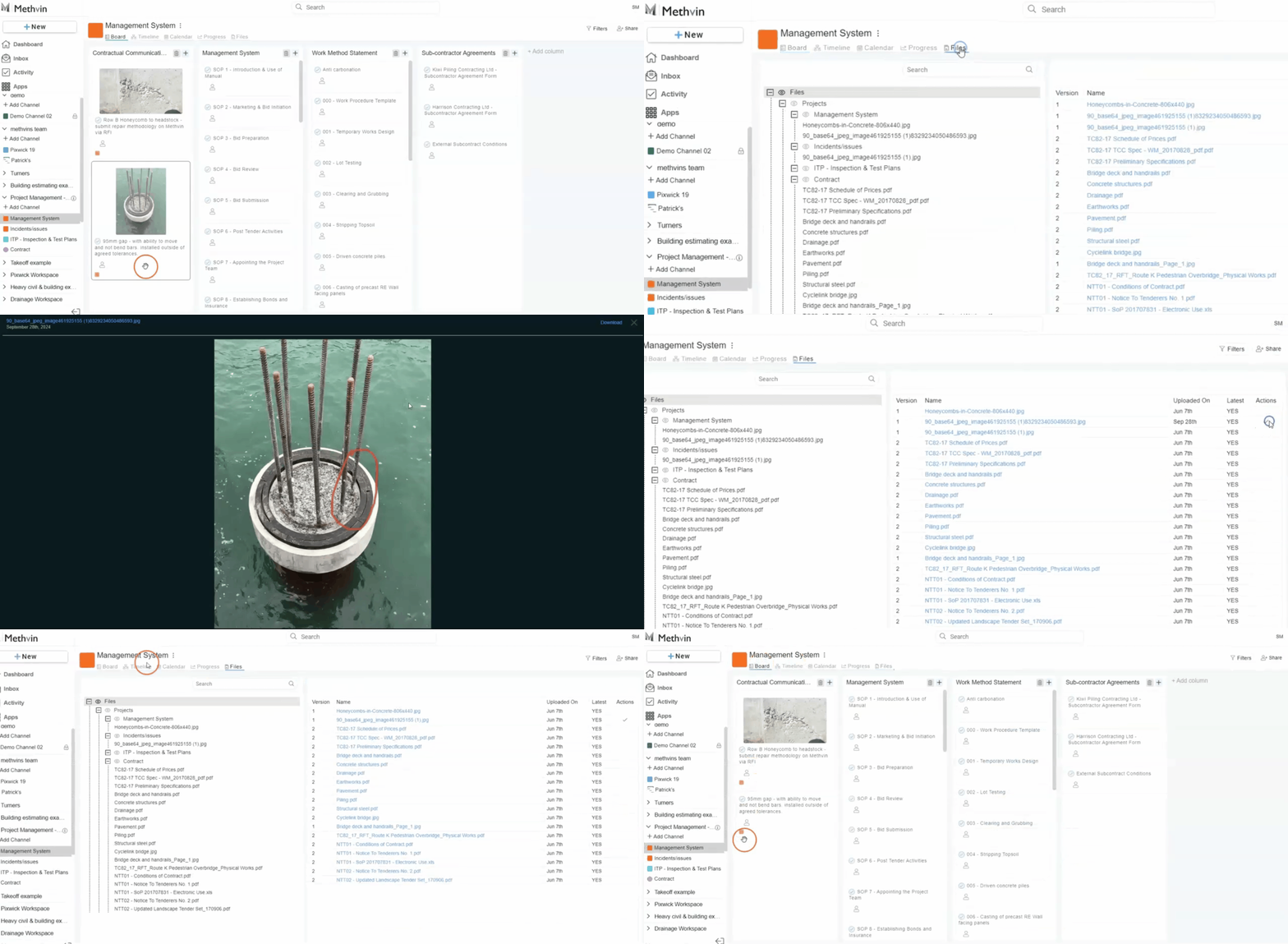
The Files View displays a list of all files related to the project, along with essential details.
The file view include,
- File Name
- Version.
- Uploaded On the date the file was uploaded.
- Latest indicates whether it is the latest version (Yes/No).
- Actions option to delete file by clicking X and confirm by clicking ✔️.

Last updated on